Answered mid-appointment
Every “where are you?” and “when are you free?” gets your address, your hours or three real open times straight away, while you’re still with a client.
“Do you have anything Friday?” usually waits until you finish with a client, and by then they’ve booked somewhere else. Askenly replies in seconds with three real open times, a reply books it, and reminders go out on their own.Askenly answers “anything Friday?” in seconds with three real open times. A reply books it, and reminders go out on their own.
Anything Friday for nails?
Yes! Open times: 1) Fri 11:00 2) Fri 15:30 3) Sat 10:00 Reply 1, 2 or 3 to book.
If any of these happened this month, this page is for you.
Better to know now than after you’ve set it up.
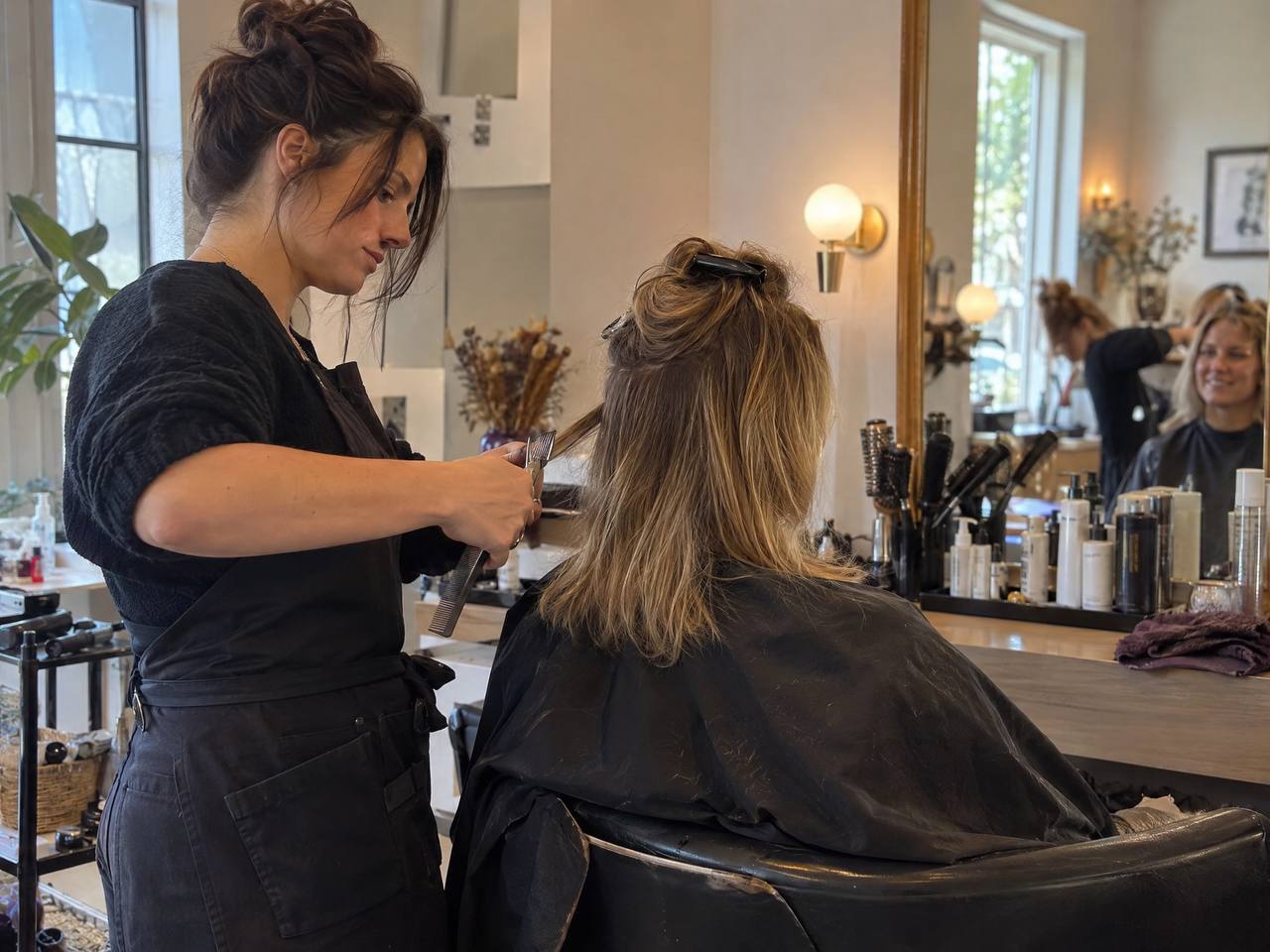
You can’t answer DMs with your hands in someone’s hair. Askenly can.
Every “where are you?” and “when are you free?” gets your address, your hours or three real open times straight away, while you’re still with a client.
Bookings, confirmations and reminders happen on their own and land in your calendar.
Someone messaging three salons books with whoever offers a time that suits them. A reply in seconds puts your times in front of them first.
For many salons, nail studios, barbers, lash artists and spas, Instagram is where new clients find you and where regulars ask for their next appointment. The trouble is that you’re with a client when the messages arrive, and by the time you reply, the person has booked somewhere else.
Askenly replies for you with times that actually work: your opening hours, the length of the service, the break you need between clients and the bookings you already have. The client picks one, and it’s booked.
A fringe trim and a full colour can sit on the same calendar without clashing.
Set time before and after each service to clean down and prepare.
Cap bookings per day so a busy week never overruns.
A confirmation, then reminders 24 hours and 2 hours before, each with a reschedule link.
Post your free slots as a Story with a keyword. Everyone who replies gets the times.
Ask about allergies, hair length or anything you need to prepare.
With the keyword SLOT.
Each gets the open times and books one. Two slots fill.
Your FAQ has no answer, so the chat waits in your Inbox with the reason.
Starting from an AI draft written from your services list.
For the morning’s appointments, each with a reschedule link.
| Plan | Bookable services | Bookings a month | Teammates |
|---|---|---|---|
| Free | 1 | 50 | 1 |
| Starter | 3 | 100 | 1 |
| Growth | 10 | unlimited | 2 |
| Scale | unlimited | unlimited | 10 |
Two reminders, one the day before and one two hours before, each with a link to move the appointment, give clients an easy way to change plans instead of not turning up.
Rescheduling from the email link updates your calendar and frees the old slot for someone else, without a single message from you. If you’d rather handle changes yourself, turn rescheduling off for that service and clients will message you instead.
Confirmation instructions carry the practical details clients always ask about: your address, parking, what to bring and how late they can arrive.
In your Business profile. They become your bookable times.
With their lengths and the break you need after each one.
So personal appointments and existing bookings are never offered.
Your address, parking and anything clients should bring.
On your posts and Stories, with a keyword such as BOOK or SLOT.
No. Booking is always free, with no payments in the flow. Take payment at the appointment as you do today.
Yes. Invite teammates and they see appointments in the app, or sync to a shared Google Calendar or Outlook.
They use the link in their email to reschedule or cancel, if you allow it for that service.
Yes. You can link any page you like from an automation. Askenly’s own booking page is there if you want one.
Connect Instagram and publish your first automation in a few minutes. No card needed.