Breaks before and after
Leave time to set up or clean down. Offered times respect the break automatically.
Someone asks for a time and the DM answers with your next three open slots. They reply 1, 2 or 3 and the booking is made, with a confirmation email, reminders and a link to reschedule. A booking page you can share in your bio works the same way.The DM offers your next three open times. They reply 1, 2 or 3, and the booking, confirmation and reminders are done.
Can I book for Friday?
Here are the next open times: 1) Fri 10:00 2) Fri 14:30 3) Sat 09:00 Reply 1, 2 or 3.
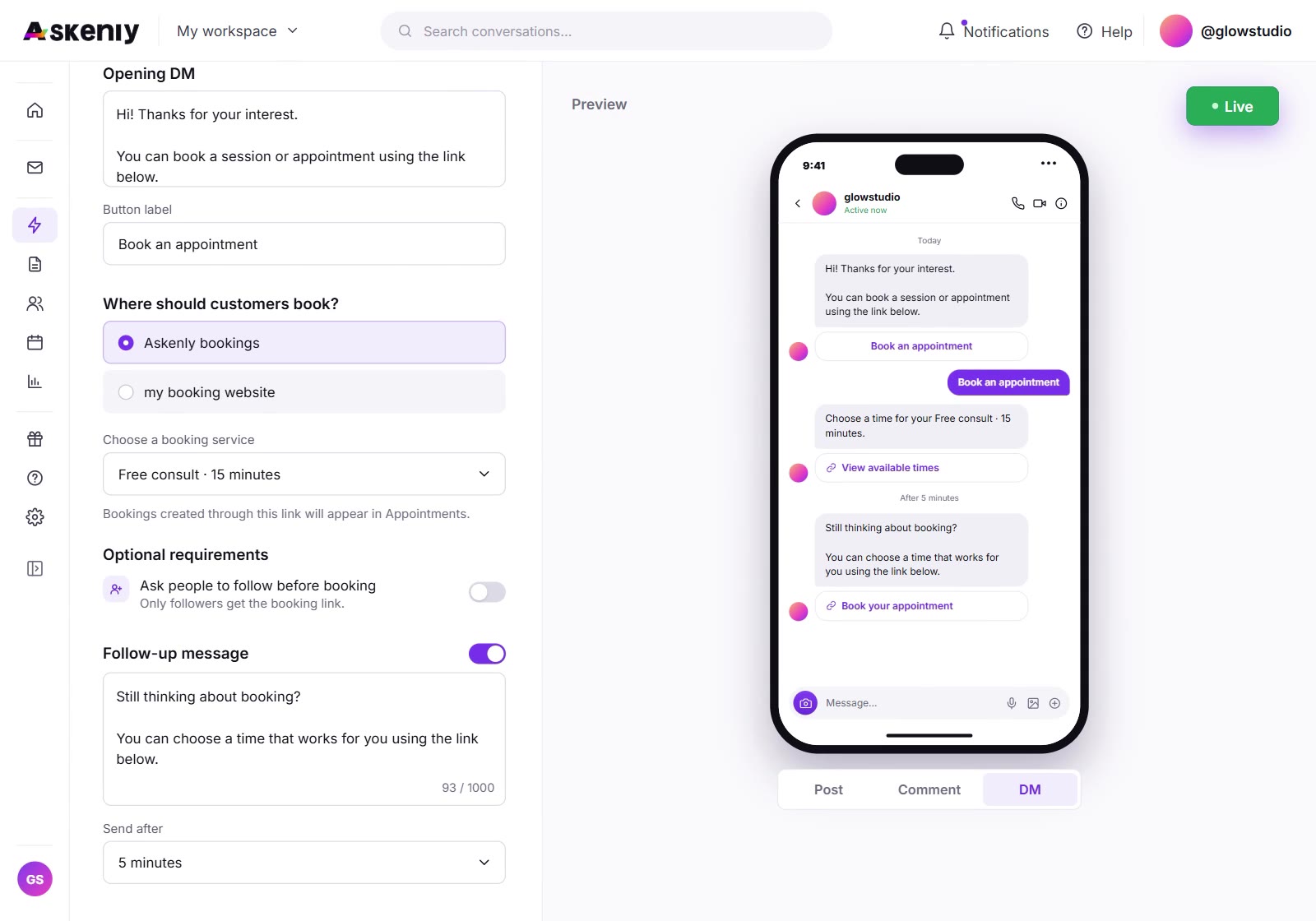
On Instagram, “do you have anything this week?” usually starts a back-and-forth. You check your calendar, send a few options and wait, and by then the person has moved on. A link in your bio helps, but many people would rather ask in the chat they already have open.
Askenly answers with real open times from your availability, in the same chat. The person picks one by replying with a number, or asks for something like “Tuesday afternoon” and gets times that match. Each slot can only be booked once, even when your Reel is busy.
Booking is free in Askenly, for you and for your customers. There is no payment step, so nothing gets in the way between a question and a confirmed appointment.
The customer gets a confirmation with the time, the service, your instructions and a link to reschedule or cancel.
Services that need approval show the booking as tentative and send no emails until you confirm it.
A reminder email with the same reschedule link.
A short note that they’re due in about two hours.
Optional follow-up and no-show emails, each one off until you turn it on.
Every service carries its own rules, so a 15-minute call and a 2-hour treatment can be booked side by side.
Leave time to set up or clean down. Offered times respect the break automatically.
Set the minimum notice you need and how far ahead people can book.
Cap the number of bookings per day so your calendar never fills past what you can handle.
Ask what you need to know before the appointment, on the booking page.
Let customers change their booking from the email link, or turn that off per service.
Review each booking before it’s confirmed, for services where you want to check first.
Connect Google Calendar or Microsoft Outlook in your availability settings. Busy times in your calendar are never offered, and new bookings appear in your calendar as events. With Google you can also keep a bookings spreadsheet that Askenly creates and updates for you.
Every path that changes a booking (a DM booking, the booking page, a reschedule from the email link, or a change you make in the app) updates the calendar, so you only need to look in one place.
Name each one and set its length and rules.
Choose your hours and time zone. Everything offered is checked against them.
Optional, but it keeps busy times out of the offers.
Choose the posts and the keyword, such as BOOK or APPOINTMENT.
Put the link in your bio for people who find you there.
| Plan | Bookable services | Bookings a month |
|---|---|---|
| Free | 1 | 50 |
| Starter | 3 | 100 |
| Growth | 10 | unlimited |
| Scale | unlimited | unlimited |
Many booking tools are built around taking money first. Askenly keeps booking free: no price, no payment and no checkout, so the only thing between a question and a booked appointment is a reply in the chat. You take payment at the appointment, or however you do today. Free includes 50 bookings a month, and Growth and Scale have no booking limit.
No. Booking is always free. There is no price or payment step anywhere in the booking flow.
Yes. Turn on approval for a service and new bookings stay tentative, with no emails sent, until you confirm them.
Yes, from the link in their emails, unless you turn that off for the service.
Google Calendar, with an optional bookings spreadsheet, and Microsoft Outlook.
No. Each booking holds its seat while it’s made, so a slot can only be taken once.
Yes. Export a filtered CSV from Appointments. Contact details are left out unless you choose to include them.
Connect Instagram and publish your first automation in a few minutes. No card needed.