Automations
Automations run on their own when a trigger fires, such as a comment keyword, a Story reply or an incoming message, and then take the steps you choose. This page covers every trigger, every step and how to check what an automation did.
Triggers
Every automation starts from something a person did first, because Instagram only lets businesses message people who contacted them.
| Trigger | When it runs | Goals that use it |
|---|---|---|
| Comment to DM | Someone comments your keyword on a post or Reel you chose, on several posts, or on any post | All five goals |
| Story reply | Someone replies to your Story with the keyword | Deliver something, Book an appointment, Grow your audience, Get more sales |
| DM keyword | Someone sends you a DM that contains the keyword | Deliver something, Book an appointment, Get more sales, Answer questions |
What an automation can do next
Opening DM with a button
The first message has a button, such as Send me the guide. The next step goes out when the person taps it or replies.
Follow to unlock
Ask people to follow before they get the content. Askenly checks with Instagram, people who already follow never see the ask, and if Instagram can’t say, the content is sent anyway.
Send links
Your links go out as buttons with your own labels. Clicks are counted per person on the automation’s page.
Unique codes
Hand each person their own code from a list you add. When the list runs out, the chat is handed to you.
Collect an email
Get more sales asks for an email in the chat, confirms it, and starts a short email sequence that stops when someone clicks or buys (Growth and Scale).
Offer appointment times
Book an appointment offers your next three open times. The person replies 1, 2 or 3 to book, or writes something like “Tuesday afternoon” to see other times.
Follow up
Up to 5 follow-up DMs, each with its own message and delay, sent only inside Instagram’s 24-hour messaging window.
Answer questions
Match a question to one of your saved answers, with tolerance for typos and plurals, and reply in the same chat.
Hand off to a person
When someone asks for a person, the chat moves to Assigned in your Inbox and automations pause for them for 24 hours.
- Trigger: comment GUIDEReel: 5 skincare mistakesActive
- Opening DMButton: Send me the guide
- ContentButton: Open the guide
- Follow-up after 4 hoursSkipped if they replied
How keyword matching works
Matching ignores capitals and the words around the keyword, so GUIDE, guide and “can I get the guide please” all match. Add plurals and common misspellings as extra keywords, separated by commas. Answer questions automations go further and accept small typos and plurals on their own.
Comments from your own account never start an automation, so a reply you post under your own Reel can’t trigger a DM to yourself. Only one automation replies to each comment, so automations that share posts need different keywords.
Rules every automation follows
Instagram allows a business to message someone only after they comment, reply to a Story or send a DM, and only for 24 hours after their last message. Askenly never sends outside that window, so follow-ups that would land later are skipped.
Anyone who sends the single word STOP gets no more automated messages, from any automation, until they send START. After a hand-off or any reply you type yourself, automations stay quiet for that person for 24 hours, so a bot never talks over you.
Each send happens at most once. If Instagram doesn’t confirm a message, Askenly checks before trying again instead of sending a duplicate, and hands the chat to a person if it still can’t tell.
Switch on, test and review
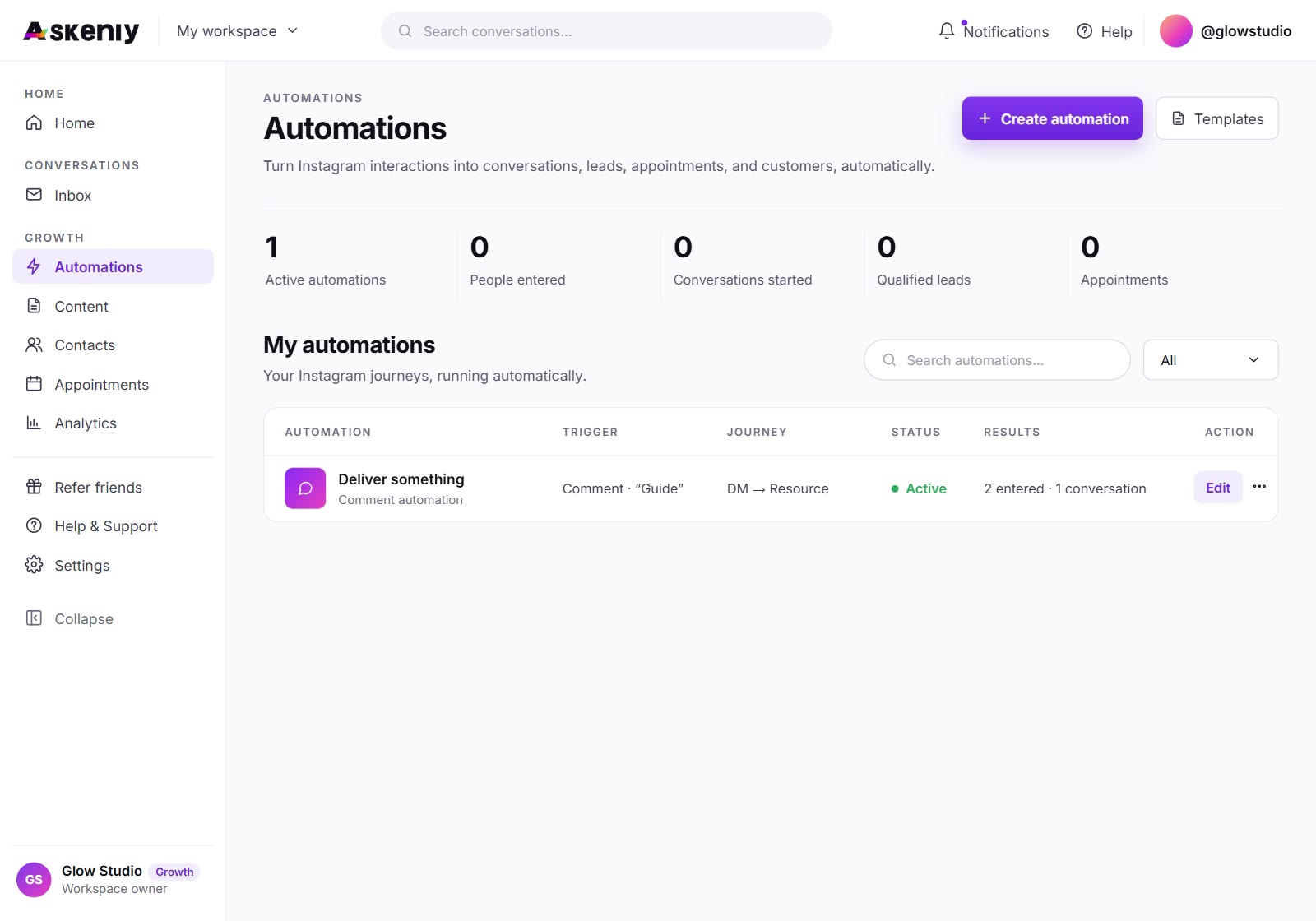
Every automation can be switched on and off from Automations. Open one to see its workflow, the posts it runs on and its results for the last 30 days: DMs delivered and failed, qualified leads and the number its goal counts, such as link clicks, followers gained, bookings or revenue. Test automation shows a dry-run preview of the DM, and nothing is sent.
Manage, or the menu on any workflow step, opens the builder with everything filled in. Deleting an automation asks you to confirm first.
Automations created by an AI assistant through MCP start paused, unless you give the assistant full access.
Automation questions
Does a paused automation count toward my plan?
No. Only automations that are switched on count, so you can keep seasonal ones ready.
Can I run two automations on the same post?
Yes, with different keywords. Each comment starts the automation whose keyword it contains.
Why was a DM marked failed?
Instagram refused it. The usual cause is Allow access to messages being off in the Instagram app, or the person blocking messages from businesses.